Process
Creating a Backlog That Makes Sense
Organizing your tech to-do list for maximum clarity

Edie Woelfle
December 23, 2025
Organizing your tech to-do list for maximum clarity

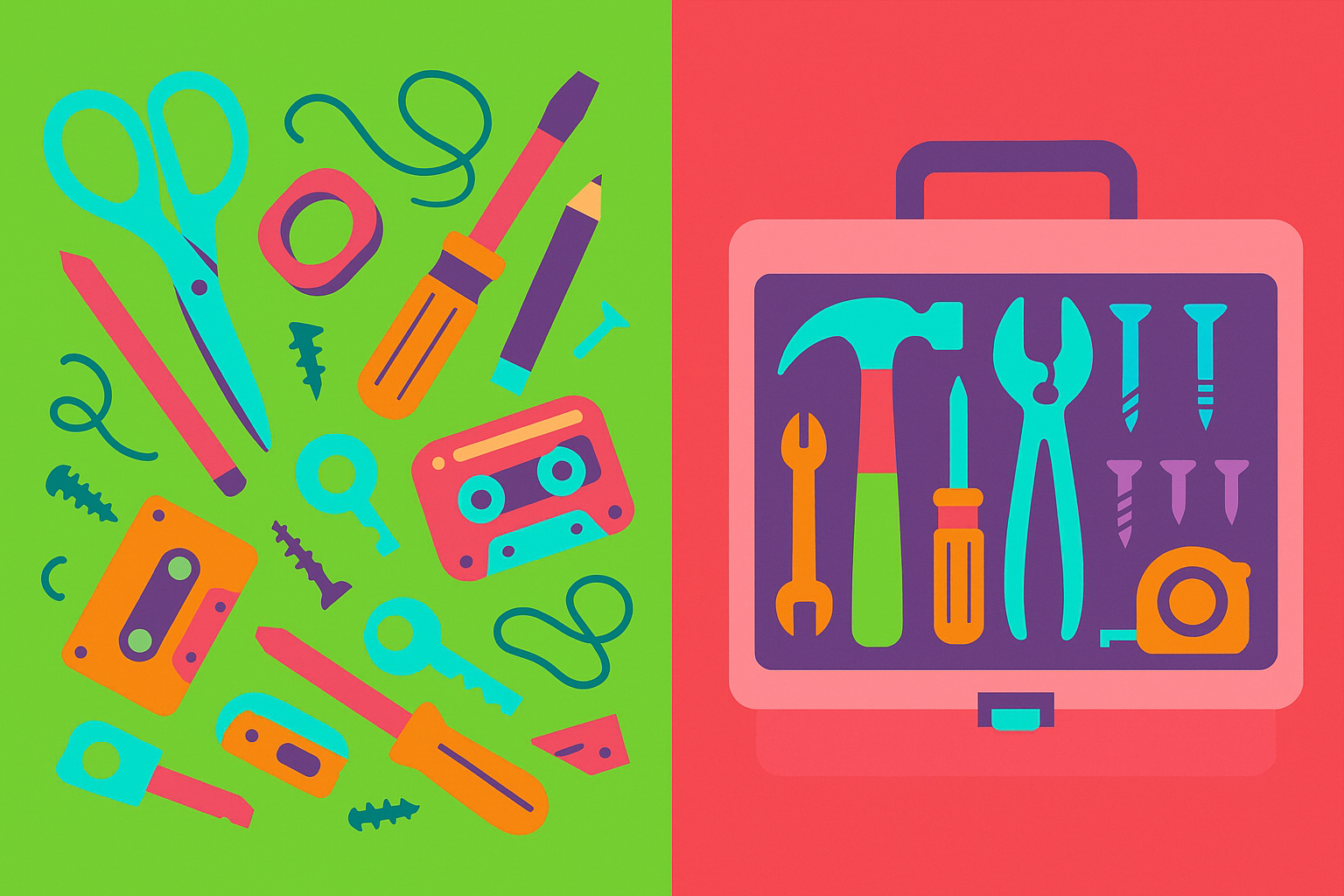
You walk into your kitchen and find sticky notes everywhere. On the fridge, the counter, the coffee maker, even stuck to your cat (okay, maybe not the cat). Each note has a different task - “buy milk,” “fix leaky faucet,” “call mom,” “learn to juggle flaming torches.”
That’s basically what your tech team is dealing with when they don’t have a proper backlog.
A backlog is simply your organized list of everything your tech team needs to build, fix, or improve. Think of it as your product’s to-do list, but way more organized than those sticky notes on your fridge.
I’ve seen backlogs that would make a tornado look organized. Here’s what usually goes wrong:
Everything is “urgent” - When everything is a priority, nothing actually is. It’s like having a fire department where every call is a five-alarm emergency, including rescuing cats from trees.
Vague descriptions - “Make the thing work better” isn’t helpful. Your developers aren’t mind readers (despite what you might hope).
No clear order - Random tasks scattered everywhere with no sense of what should happen first, second, or sometime before the heat death of the universe.
Missing details - Like giving someone directions that just say “go north” with no mention of how far or where to stop.
When you get your backlog right, amazing things happen. Your team stops asking “what should I work on next?” every five minutes. Everyone knows what’s coming up. And you can actually answer when someone asks “when will this feature be ready?” without making something up on the spot.
A good backlog is like having a GPS for your product development. It shows you where you’re going, the best route to get there, and how long it’ll take.
Start with your core problem - Remember that one thing your product actually solves? Every item in your backlog should either solve that problem directly or make the solution better. If it doesn’t, it probably doesn’t belong.
Write clear user stories - Instead of “add login,” write “As a user, I want to log in with my email so I can access my personal dashboard.” It’s like the difference between “food” and “chocolate chip cookies” - way more helpful.
Put the most important stuff first - Your backlog should be ordered like a really good pizza - the most important toppings go on first. The stuff that solves your core problem goes at the top.
Include acceptance criteria - This is fancy talk for “how do we know when this is actually done?” It prevents the dreaded “I thought you meant...” conversations later.
Keep it manageable - Don’t try to plan out the next five years. Focus on what you need for the next few months. The future is foggy, and trying to plan too far ahead is like trying to read a book in a snowstorm.
You don’t need fancy software to start. A simple spreadsheet works fine. But if you want something more powerful, tools like Jira or Trello can help organize everything beautifully.
The key is picking something your whole team will actually use. The fanciest tool in the world is useless if everyone ignores it.
Items that have been “in progress” for months - If something’s been stuck forever, it’s either too big, too vague, or nobody really wants to build it.
No estimates - If your team hasn’t given any sense of how long things might take, you’re flying blind.
Feature requests from last year still sitting there - Old items that never get prioritized should probably be removed. They’re like those clothes in your closet you keep meaning to wear “someday.”
Your backlog isn’t a tattoo - it should change as you learn more about what your users actually need. Review it regularly during your sprint planning meetings.
Add new items when they make sense. Remove things that no longer matter. Update priorities based on user feedback and business needs.
A good backlog is like a garden - it needs regular attention to stay healthy and productive.
Your backlog is the roadmap for your product’s future. When it’s organized well, your team knows exactly what to work on and why. When it’s a mess, everyone wastes time figuring out what to do next.
Start simple, be clear about what you want, and keep the most important stuff at the top. Your future self (and your development team) will thank you.
Coming Next Week: Story Points vs. Hours: What’s the Difference? - Understanding how tech teams estimate work.