Why Your Tech Costs Explode as You Grow (And How to See It Coming)
Some platforms seem cheap at first, then surprise you with bills that double or triple.

Edie Woelfle
March 3, 2026
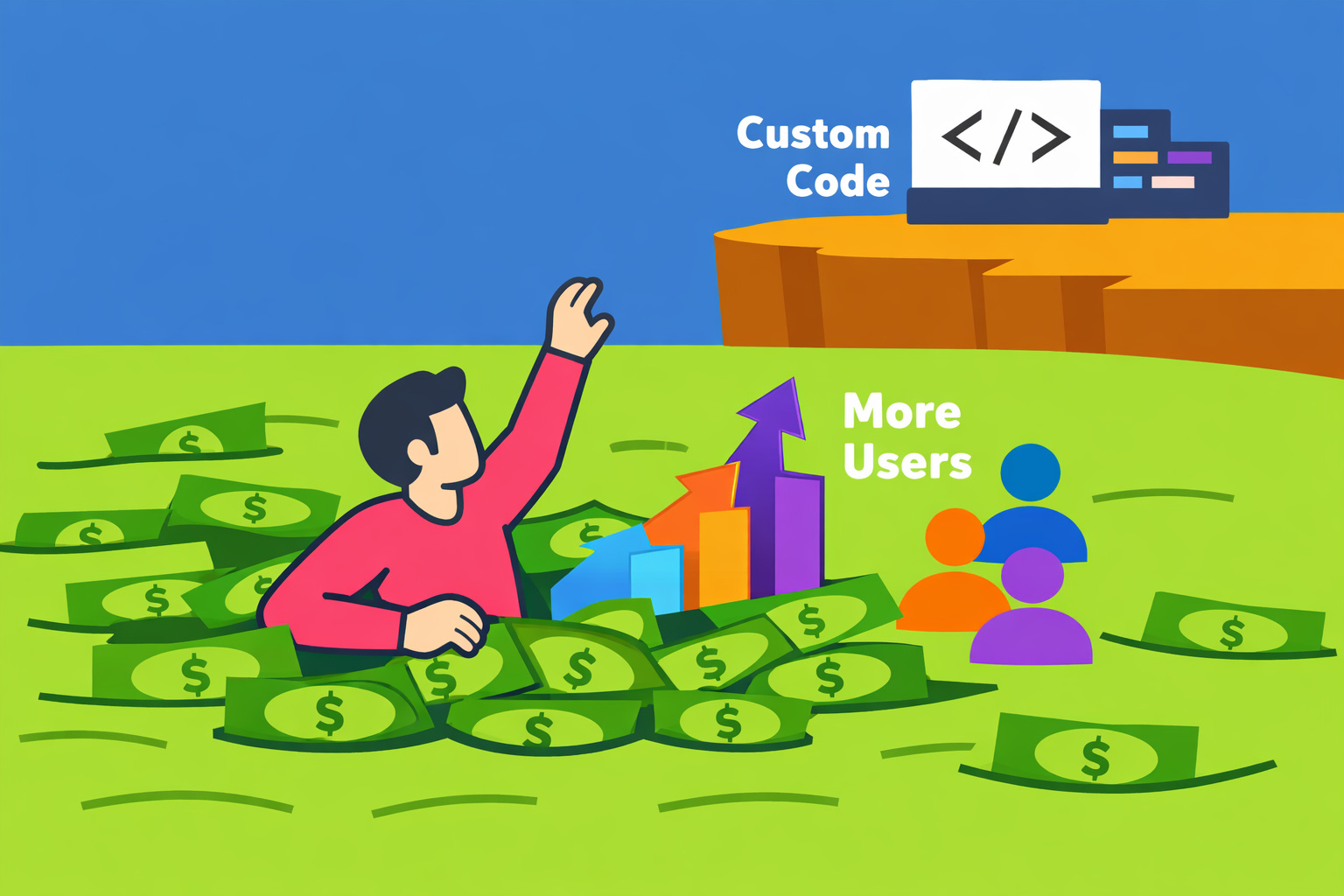
Some platforms seem cheap at first, then surprise you with bills that double or triple.

You’re three months in. Your app is working. Users are signing up. Everything feels great.
Then you get an email from your no-code platform: “Your usage has increased. Your new monthly bill is $847.”
Wait. Last month it was $200.
This is the scaling cost problem. And it catches almost every founder off guard.
When you use certain platforms, your bill goes up as you get more users or do more tasks. That’s normal.
But some platforms get expensive fast. Like, way faster than you’d expect.
Others stay pretty flat even when you grow a lot.
The difference? How the platform charges you.
Bubble is a popular no-code tool. You can build apps without writing code.
Here’s the catch: Bubble charges based on “workload units.” That’s a measure of how much your app does—like database searches, page loads, and file uploads.
At first, you might pay $29 per month. But as you get more users, those workload units add up. Fast.
And here’s the kicker: you can’t just move off Bubble easily. It uses its own system. If you want to switch to custom code later, you basically have to rebuild everything from scratch.
Lovable is newer. It’s an AI-powered builder that generates apps for you.
Unlike Bubble, you can export your code from Lovable. That sounds great.
But here’s what actually happens: Lovable uses credits to make changes. Every time you want to update something, it costs credits.
One startup I worked with recently kept running out of credits. They had to wait for their monthly refill to fix bugs or add features. Meanwhile, new users were signing up, hitting those bugs, and leaving.
They were literally watching customers churn while waiting for permission to fix their own product.
Even though they technically owned the code, they couldn’t move fast enough to keep users happy. And buying more credits every month added up quickly.
Zapier and Make connect apps together. They’re great for automating tasks.
But they charge per “task.” A task is each time your automation runs.
Let’s say you use Zapier to send a welcome email every time someone signs up. At 10 signups a day, that’s 300 tasks per month. No problem.
But at 100 signups a day, you’re at 3,000 tasks. That bumps you into a higher pricing tier—often $50 to $100 more per month.
And if you go over your task limit, they either stop running (bad) or charge you extra per task (also bad).
For internal tools, that’s annoying but manageable. For customer-facing features, it’s a disaster.
Now compare that to custom code.
Let’s say you build an app with Python or JavaScript. You host it on a service like AWS or DigitalOcean.
Your costs go up as you grow. But they go up slowly.
You might pay $50 per month for 100 users and $200 per month for 10,000 users. That’s still growth, but it’s predictable. And it doesn’t double every time you add a few hundred people.
Plus, you own the code. If you want to switch hosting providers, you can. If you want to change a feature, you don’t need to buy credits or wait for a refill. You just make the change.
At Keiboarder, we don’t just tell you what to use. We help you understand why certain tools make sense for your stage—and when they’ll become a problem.
We focus on clarity, not impressing you with jargon. We’ll tell you when a no-code tool is perfect (like for prototyping or internal workflows). And we’ll warn you when it’s setting you up for expensive headaches later.
Our approach is simple: we translate the tech stuff into plain English, show you the real tradeoffs, and help you make decisions that work for your business—not just what’s trendy or easy right now.
We care about what actually works for founders, not what sounds good in a pitch deck.
Here’s what matters:
If you’re not sure whether your current platform will scale—or if you’re already seeing bills creep up—let’s talk.
Book a one-hour tech strategy session and we’ll walk through your setup, spot the risks, and give you a clear plan.
Coming Next Week: Do You Actually Own Your Code? - Legal and technical ownership issues business leaders miss.